
Gigabyte (Intel)
Gigabyte (Intel) Motherboard
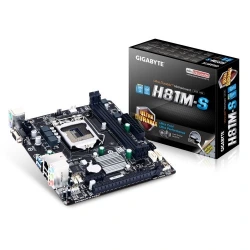
- • Supports 4th Generation Intel Core processors • LAN with high ESD Protection • Gigabyte Ultra Durable Technology • Solid capacitors for CPU VRM design
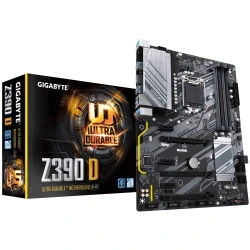
- • Supports 9th and 8th Gen Intel Core Processors • Lightning-Fast Intel Thunderbolt 3 AIC Support • NVMe PCIe Gen3 x4 22110 M.2 Connector • Multi-Way Graphics Support
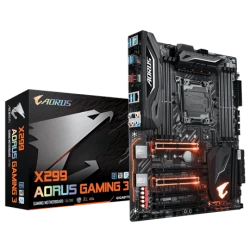
- • Supports Intel® Core™ X-series Processor Family • Intel® X299 Express Chipset • 8 x DDR4 DIMM • 2 x PCI Express x16 slots
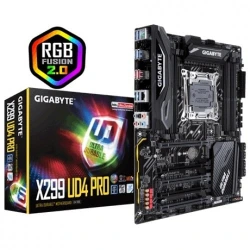
- • Support for Intel Core X Series processors • 8 x DDR4 DIMM Memory Sockets • SLI and CrossFire Supported
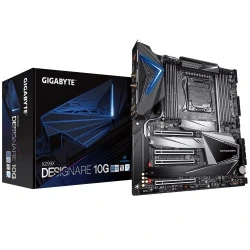
- • Supports Intel Core X-series Processor Family • Intel Thunderbolt 3 • Onboard Intel WiFi • Advanced Fins-Array Thermal Design
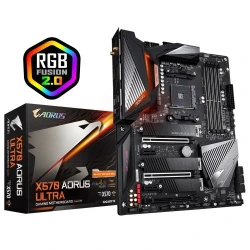
- • Supports AMD Ryzen 5000/ 3rd Gen Ryzen/ 2000 Series Processors • Triple Ultra-Fast NVMe SSD Slots • 12+2 Phases IR Digital VRM • Advanced Thermal Design
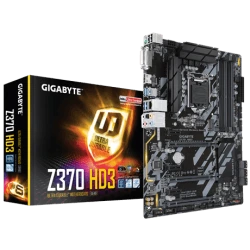
- • Supports 8th Gen Intel® Core™ Processors • Dual Channel DDR4, 4 DIMMs • Intel® Optane™ Memory Ready • 2-Way CrossFire™ Multi-Graphic
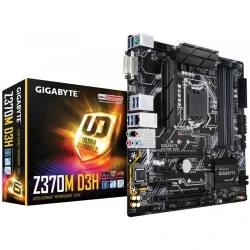
- • Support 8th Gen Intel Core i7/ i5 / i3 processors • Intel® Z370 Express Chipset • 4 x DDR4 DIMM • 1 x PCI Express x16 slot
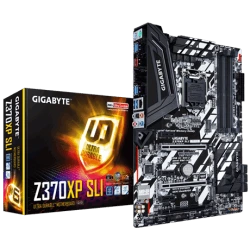
- • Support for 8th Gen Intel Core i7 / i5 / i3 processors • Intel® Z370 Express Chipset • 4 x DDR4 DIMM sockets • 1 x PCI Express x16 slot
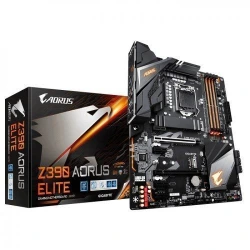
- • Supports 9th and 8th Gen Intel Processors • Intel® Z390 Express Chipset • Dual Channel Non-ECC Unbuffered DDR4 • Front USB 3.1 Gen 2 Type-C™ Header
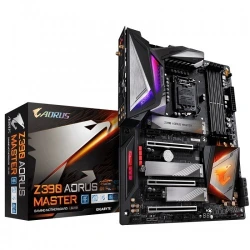
- • Socket LGA1151 for 9th/8th Gen Processors • Chipset: Intel Z390 Express • 4 x DIMM DDR4, Max. 64GB • 1 x M.2 Socket 1 connector
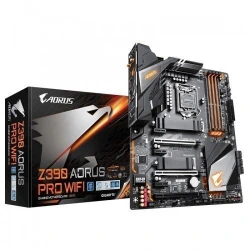
- • Supports 9th and 8th Gen Intel Processors • Intel® Z390 Express Chipset • Dual Channel Non-ECC Unbuffered DDR4 • Front USB 3.1 Gen 2 Type-C™ Header
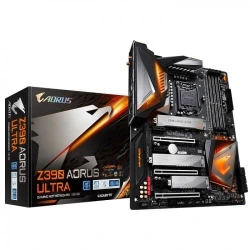
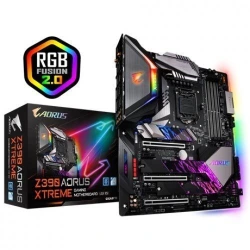
- • Support for 9th and 8th Generation Intel® Core™ i9 processors • Intel Z390 Express Chipse • Intel Optane Memory Ready • Dual Channel Non-ECC Unbuffered
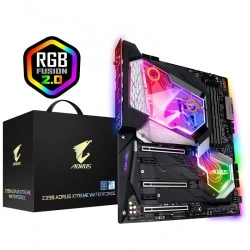
- • Support for 9th and 8th Gen Intel Processor • LGA1151 Socket • 4 x DDR4 DIMM sockets • Up to 128GB memory Supporting
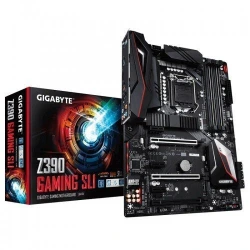
- • Intel Socket LGA1151 for 9th/8th Gen Processors • Chipset: Intel Z390 Express • 4 x DIMM, Max. 64GB DDR4 • 6 x PCIe slots
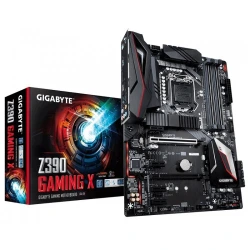
• Intel Socket LGA1151 for 9th/8th Gen Processors • Chipset: Intel Z390 Express • 4 x DIMM, Max. 64GB DDR4 • 6 x PCIe slots
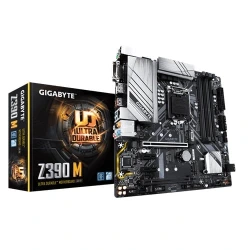
- • Supports 9th and 8th Gen Intel Core Processors • Dual Channel Non-ECC Unbuffered DDR4 • Multi-Way Graphics Support • Advanced Thermal Design
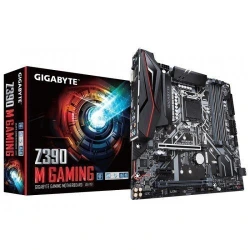
- • Intel Socket LGA1151 for 9th/8th Gen Processors • Chipset: Intel Z390 Express • 4 x DIMM, Max. 64GB DDR4 • 4 x PCIe slots
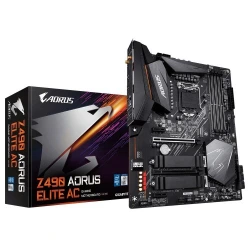
- • Intel Socket LGA1200 for 10th Gen Processors • Chipset: IntelZ490 Express • 4 x DIMM, Max. 128GB DDR4 • CrossFire Supported
Find Gigabyte Motherboard (Intel) – Price in Bangladesh at Creatus Computer
Creatus Computer stocks one of the widest ranges of Gigabyte motherboards built for Intel processors in Bangladesh, covering everything from mainstream H-series boards to high-end Aorus platforms for gaming and content creation. Whether you're assembling a brand-new PC around a current-generation Intel Core chip or upgrading an older rig, a Gigabyte Intel motherboard gives you a stable, well-supported foundation with the BIOS features, connectivity, and build quality Gigabyte is known for across the world. This page walks you through the different Gigabyte series available, what to check before buying, and direct links to popular current-generation models.
Why Choose a Gigabyte Intel Motherboard?
Gigabyte has built its reputation on durable components, sensible BIOS design, and consistent performance across its motherboard lineup. Its current Intel boards are built around the LGA1700 socket for 12th, 13th, and 14th Gen Intel processors, and the newer LGA1851 socket for Intel Core Ultra chips. Most models feature solid-state capacitors, reinforced PCIe slots, dual-channel DDR4 or DDR5 memory support, M.2 NVMe slots for fast storage, and GbE LAN for reliable networking — all packaged into boards that are easy to set up even for first-time PC builders.
Gigabyte Motherboard Series Explained
Not every Gigabyte board is built the same way, and knowing the series helps you match the right board to your budget and use-case:
- B-Series (B760, B860): A balanced middle ground offering solid VRM design, M.2 slots for fast storage, DDR4 or DDR5 memory support, and sometimes built-in Wi-Fi — a strong pick for both everyday builds and mid-range gaming.
- Gaming Series: Tuned specifically for gamers with reinforced PCIe slots for heavier graphics cards, upgraded LAN chips, and better thermal design around the VRM area.
- Aorus Series: Gigabyte's flagship line for enthusiasts and overclockers, featuring premium power delivery, extensive RGB (RGB Fusion), Wi-Fi 6/6E, and support for the fastest DDR5 memory kits.
- Ultra Durable (UD) Series: Focused purely on long-term stability using high-quality, low-temperature components — a dependable choice for users who prioritize reliability over extra features.
Key Buying Considerations
Before picking a Gigabyte Intel motherboard, it helps to check the following:
- CPU Socket Compatibility: Current Gigabyte Intel boards use LGA1700 for 12th/13th/14th Gen Core processors, while the newest boards use LGA1851 for Intel Core Ultra processors.
- Chipset: B-series chipsets (B760/B860) cover most everyday and gaming needs with good memory speeds and expansion options; Z-series is meant for overclocking enthusiasts.
- Memory Type: DDR4 boards remain affordable and widely available, while DDR5 boards unlock higher bandwidth and are better positioned for future upgrades — match this to your planned RAM kit.
- Form Factor: ATX gives you more expansion room; Micro-ATX (mATX) is compact and still covers most builds comfortably.
- Storage & Connectivity: Look for at least one PCIe 4.0 M.2 NVMe slot for fast storage, along with enough SATA ports for additional drives.
- Networking & Extras: Some models include Wi-Fi 6/6E, 2.5GbE LAN, or Gigabyte's Gaming LAN — useful if you rely on a wired or wireless connection for competitive gaming.
| Series | Best For | Typical Chipset | Memory |
|---|---|---|---|
| B-Series (DDR4) | Everyday use & budget-friendly gaming | B760 | DDR4 |
| B-Series (DDR5) | Mid-range gaming & creator PCs | B760 / B860 | DDR5 |
| Gaming Series | Dedicated gaming rigs | B760 Gaming X | DDR5 |
| Aorus Series | High-end gaming & overclocking | B760 Aorus Elite | DDR5 |
Popular Gigabyte Intel Motherboards at Creatus Computer
Here are some widely picked current-generation models across different budgets:
- GIGABYTE B760M DS3H DDR4 13th Gen Micro-ATX Motherboard — a budget-friendly DDR4 option for everyday builds and light gaming.
- GIGABYTE B760M D2H DDR4 13th Gen Intel mATX Motherboard — a well-rounded mid-range board for gaming and multitasking.
- GIGABYTE B760M DS3H DDR5 13th and 12th Gen mATX Motherboard — DDR5 support with a future-ready feature set.
- GIGABYTE B760M DS3H AX DDR5 13th and 12th Gen mATX Motherboard — adds built-in Wi-Fi to the DDR5 DS3H lineup.
- GIGABYTE B760M GAMING X AX DDR5 13th Gen Intel mATX Motherboard — gaming-tuned connectivity with built-in Wi-Fi.
- GIGABYTE B760 AORUS ELITE AX 13th Gen ATX Motherboard — Gigabyte's flagship-tier board for enthusiast builds.
Finish Your Gigabyte Build
Pairing your motherboard with matching components from the same brand keeps things simple for driver support and RGB sync. Explore Gigabyte Graphics Cards for a GPU that complements your board, Gigabyte RAM for memory tuned to work well with Gigabyte BIOS profiles, or a Gigabyte CPU Cooler to keep your build running cool. Looking to build in a Gigabyte case? Check out Gigabyte Casing options as well.
More Gigabyte Motherboard Options
Comparing chipsets or planning an AMD build instead? Browse the full Motherboard category, check Z790 motherboards for higher-end overclocking builds, or see Gigabyte (Ryzen) motherboards if you're weighing AMD platforms within the same trusted brand.
Frequently Asked Questions
Which Gigabyte Intel motherboard should I choose for a basic build?
A B760 DDR4 board such as the B760M DS3H or B760M D2H covers everyday computing and light gaming well, without paying extra for DDR5 support you may not need yet.
Do Gigabyte Intel motherboards support DDR5 RAM?
Yes. Current B760 and B860 series boards are available in both DDR4 and DDR5 versions — always confirm the exact model's supported memory type before buying RAM, since the two versions aren't interchangeable.
Can I use a Gigabyte Intel motherboard for gaming?
Absolutely. The Gaming series and Aorus series are specifically designed for gaming, with better VRM cooling, reinforced PCIe slots for graphics cards, and gaming-tuned LAN for lower latency online.
What's the difference between the DDR4 and DDR5 B760 boards?
Both use the same B760 chipset and features, but DDR5 boards support faster memory speeds and are better positioned for future upgrades, while DDR4 boards are usually more affordable if you already own DDR4 RAM.
Is warranty available on Gigabyte motherboards bought from Creatus Computer?
Yes, Gigabyte motherboards sold at Creatus Computer come with the manufacturer's official warranty, along with after-sales support directly from Creatus Computer's service center.
Which socket does my Intel processor need?
12th, 13th, and 14th Gen Intel Core processors use the LGA1700 socket, while the newest Intel Core Ultra processors use the LGA1851 socket — check your CPU generation before selecting a motherboard.