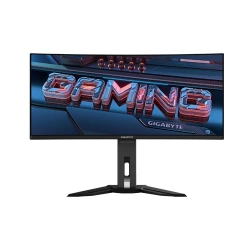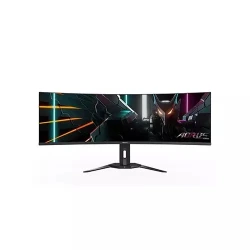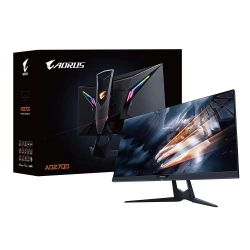
Gigabyte
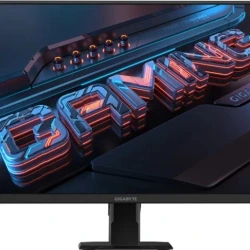
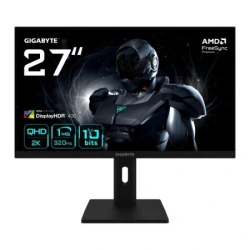
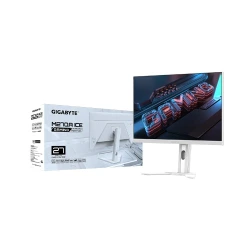
Gigabyte Monitor
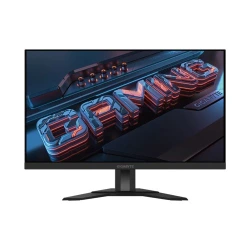
- Resolution: QHD 2560 x 1440
- Display: IPS, 165Hz/OC 170Hz, 1ms MPRT
- Ports: 2x HDMI, 1x DP, 1x Audio
- Features: HDR ready, Free Sync, Flicker Free
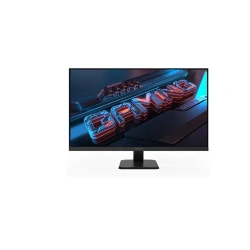
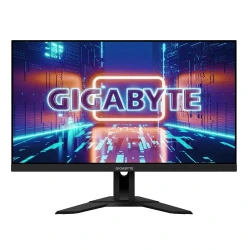
- Resolution: 2K QHD 2560 x 1440
- Display: IPS, 180Hz, 1ms MPRT
- Ports: 2x HDMI 2.0, 1x DP 1.4, 1x Audio Jack
- Features: HDR ready, Flicker Free
- Panel Size (inch): 27"
- Aspect Ratio: 16:9
- Panel Type: SuperSpeed IPS
- Display Viewing Area (HxV): 595.968 x 335.232 (mm)
- Panel Size 27 inch SS IPS
- Panel Backlight/ Type Edge
- Brightness 350 cd/m2(TYP)
- Display Colors 1.07B
- Resolution: 2560 x 1440 (QHD)
- Response Time: 1ms MPRT
- Panel Type: IPS
- Viewing Angle: 178°(H)/178°(V)
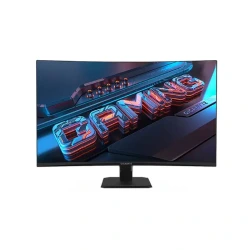
- Resolution: QHD 2560 x 1440
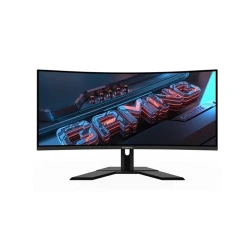
- Display: VA, 165Hz/OC 170Hz, 1ms MPRT
- Ports: 2x HDMI, 1x DP, 1x Audio
- Features: HDR ready, Free Sync, Flicker Free, 1500R Curved
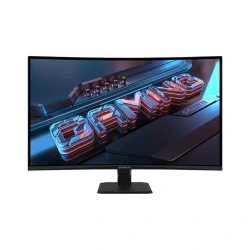
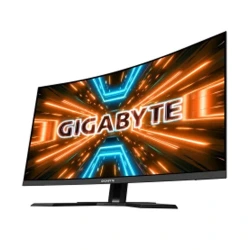
- Display Size: 31.5 Inch
- Resolution: 2560 x 1440 (QHD)
- Brightness: 250 cd/m2 (TYP)
- Voltage: AC 100-240V ~ 50/60Hz
- Resolution: QHD (2560 x 1440)
- Display: IPS, 165Hz/OC 170Hz, 1ms (MPRT)
- Ports: 2x HDMI, 1x Displayport, 1x Earphone Jack
- Features: Flicker-Free, Low Blue Light, Black Equalizer, Crosshair
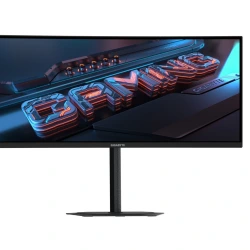
- True Resolution: 3440 x 1440 (WQHD)
- Brightness:450 cd/m2 (TYP)
- HDR:VESA Display HDR400
- Power Type:Power Board Build-in
- 34" WQHD Curved Display
- 180Hz Refresh Rate
- 1ms Fast Response Time
- FreeSync Premium Support
- 4K UHD resolution with 144Hz refresh rate
- 1ms MPRT Response Time
- DisplayHDR 400, KVM FTW
- Support Adaptive-Sync Technology
- Resolution: UHD (3840 x 2160)
- Display: IPS, 144Hz, 1ms MPRT
- Ports: HDMI, DP, USB Type-C
- Free Sync, Flicker Free
- Panel 34 inch OLED
- WQHD 2K Resolution
- 240Hz / 0.03ms Competitive Edge
- Resolution 3440 x 1440 (WQHD)
- True Resolution: 5120 x 1440(DQHD)
- Pixel Pitch: 0.2331(H) x 0.2331(V) mm
- Brightness: 250 cd/m2(TYP)
- Contrast Ratio: 1500000:1
- Type LED backlight
- Refresh Rate (Max.) 144Hz
- Response Time 1ms (MPRT)
- Resolution 2560 x 1440
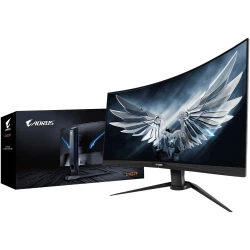
- FHD with 165Hz
- Without any Ghosting Effects
- Immerse in Game with 1500R
- Supports FreeSync 2 Technology
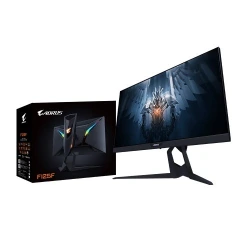
- IPS Splendid Color in 0.4ms Response Time
- FHD with240Hz
- G-SYNC Compatible
- 8-bit with 100% sRGB
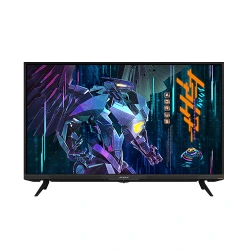
- • Resolution: 3840 x 2160 (UHD) • Panel Size: 43" VA QLED • Response Time : 1ms (MPRT) • Refresh Rate :144Hz
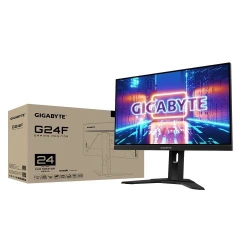
- Color Saturation: 90% DCI-P3/120% sRGB
- Refresh Rate: 165Hz/OC 170Hz
- Response Time: 1ms (MPRT)
- Panel Size: 23.8" SS IPS
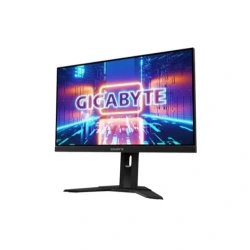
- Panel Type: IPS
- Screen Size: 24 inch
- Resolution: 1920x1080 (WxH) FHD
- Brightness: 300cd/m2
Affordable Gigabyte Monitor Price in BD Today
Gigabyte monitors are widely popular among gamers and professionals due to their high-quality display performance, smooth refresh rates, and advanced visual technology. The monitor supports multiple connectivity options, including HDMI and DisplayPort, and features ergonomic adjustments for comfort. With advanced technologies like AMD FreeSync and eye-care protection, the Gigabyte Monitor combines style, reliability, and innovation for any user seeking top-tier display performance. Enhance your setup with this versatile and high-quality monitor. The price of Gigabyte monitors in Bangladesh varies depending on the model and features. On average, you can expect to find Gigabyte monitors ranging from BDT 12,000 to BDT 40,000. Entry-level models with standard features are typically priced around BDT 12,000 to BDT 20,000, while higher-end gaming or professional models with 144Hz refresh rates, 4K resolution, or curved displays can cost between BDT 25,000 to BDT 40,000. Prices may fluctuate based on availability, promotions, and specific retailers.
Type of Gigabyte Monitor in Bangladesh
Gigabyte monitors are designed to meet the needs of different types of users, especially gamers, designers, and general PC users. Each type comes with unique features like high refresh rates, accurate color reproduction, adaptive sync technology, and different resolution options including Full HD, Quad HD, and 4K. This variety makes Gigabyte monitors suitable for both casual and professional use.
- Gaming Monitors: Designed for esports and high-performance gaming with high refresh rates (144Hz–240Hz) and low response time for smooth gameplay.
- Professional Monitors: Focused on designers, editors, and creators with accurate color calibration and high resolution for detailed work.
- Curved Monitors: Provide immersive viewing experience with curved screens that reduce eye strain and enhance gaming or movie experience.
- 4K Ultra HD Monitors: Offer extremely sharp visuals and high detail, ideal for content creation, editing, and premium entertainment use.
- Office/Standard Monitors: Basic monitors designed for everyday tasks like browsing, office work, and study purposes with stable performance and affordability.
How to Choose the Right Gaming Monitor for Your Setup
Whether you are a competitive esports player or a casual gamer who plays after work or study, your gaming experience heavily depends on your display. A powerful PC alone is not enough—you also need a high-quality gaming monitor to fully enjoy smooth and responsive gameplay. Modern games like FPS, racing, and action titles require fast reaction time and clear visuals. Without a proper monitor, you may face issues like screen tearing, motion blur, flickering, or input delay, which can negatively affect your performance. A good gaming monitor helps you experience fluid motion, sharp visuals, and better immersion, giving you an advantage over opponents in fast-paced games. Features such as high refresh rate, low response time, adaptive sync technology, and high resolution all play an important role in improving gaming quality. In this guide, we will help you understand the key factors to consider before buying a gaming monitor, so you can choose the perfect display that matches your gaming style, budget, and performance needs.
Most Popular Gigabyte Monitor in Bangladesh
These Gigabyte gaming monitors are widely used in Bangladesh for smooth gaming performance, high refresh rate, and excellent display quality. At Creatus Computer, gamers can easily explore and compare different models to choose the right monitor based on size, refresh rate, and usage needs. Below is a clear comparison to help you select the best option for your gaming setup.
| Model Name | Screen Size | Panel Type | Refresh Rate | Resolution | Best For |
|---|---|---|---|---|---|
| GIGABYTE G24F 2 | 23.8 Inch | IPS | 180Hz | Full HD (1080p) | Competitive gaming & esports |
| Gigabyte GS25F14 | 24.5 Inch | SS IPS | 144Hz | Full HD (1080p) | Smooth casual & mid-level gaming |
| GIGABYTE G25F2A | 24.5 Inch | SS IPS | 165Hz (approx.) | Full HD (1080p) | Balanced gaming & daily use |
| Gigabyte GS27FC2 | 27 Inch | VA/FHD Gaming Panel | 240Hz | Full HD (1080p) | High-end competitive FPS gaming |